An AI trainer also looks for the button at his own training
At my own training session I searched for an option hidden under three dots. Why in AI training diagnosing a problem matters more than clicks.

During a training session I wanted to show text editing. I knew which operation I wanted to perform, but for a moment I could not find the right options. In the end I found them hidden under three dots.
In training, the ability to cope with a changing interface matters more than remembering clicks.
At another point a participant could not see the option to add a file. There were several possible explanations: a difference between accounts, the version of the tool, the way the feature was opened. Without seeing her screen I could not settle it.
There was also a situation with sharing materials. The links did not work straight away. I tried to work out whether the way of sharing had changed. When they started working, I went back to the hypothesis of a delay. The transcript shows clearly that not every first interpretation was certain.
These are less impressive moments of a training session, but very useful for a conversation about skills. Knowing a tool does not mean that every screen will always look the same or that the trainer will correctly identify the cause of every failure.
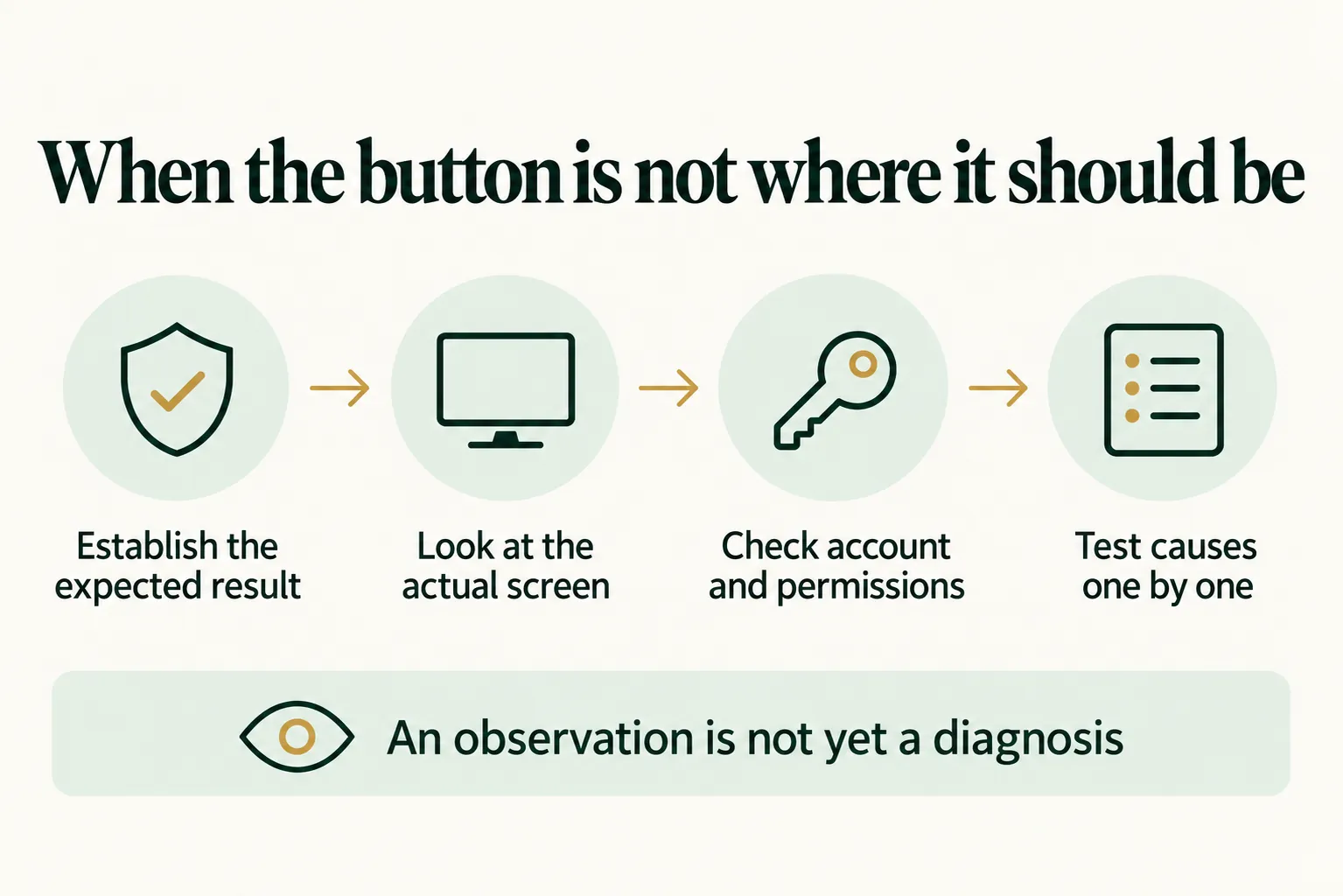
An observation is not yet a diagnosis
Much more important is separating observation from guesswork. “I can’t see the button” is an observation. “You don’t have access on your plan” is already an explanation that needs checking. If we present a guess as a fact straight away, we may send a participant towards an unnecessary purchase or a change of account.
A simple order of diagnosis
In a similar situation a simple order helps: establish the expected result, look at the actual screen, check the account and permissions, and then test possible causes. If the task cannot be completed in a given tool, you can show an alternative and explain what has been left out.
This does not mean that lack of preparation should be presented as a teaching method. A demo has to be prepared. Materials have to be checked. But it is also worth being able to show what we do when the prepared scenario no longer matches reality.
After the training a participant will probably also come across an unfamiliar screen or a broken link. If all they take away is the memory of a sequence of clicks, they will get stuck. If they see a way of diagnosing the problem and an honest “I don’t know that yet”, they have a better chance of moving on by themselves.
What this means for a company
The person choosing a training course can ask the trainer how participants practise recognising errors, checking permissions and finding an alternative path. A demonstration of the correct screen alone will not replace that.
Translated from Polish. Read the original